Skip to content
Style-Crest-Logo

HVAC Product Registration Guide

  • This form can only be used to register Nordyne HVAC products (Including Intertherm and Revolv
  • All serial numbers will be 13-digits long
    • Do not enter any spaces or dashes.
    • All letters should be UPPERCASE
  • Use the guide below for instructions on how to find your serial number(s)

Registering a Furnace?

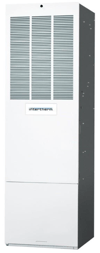
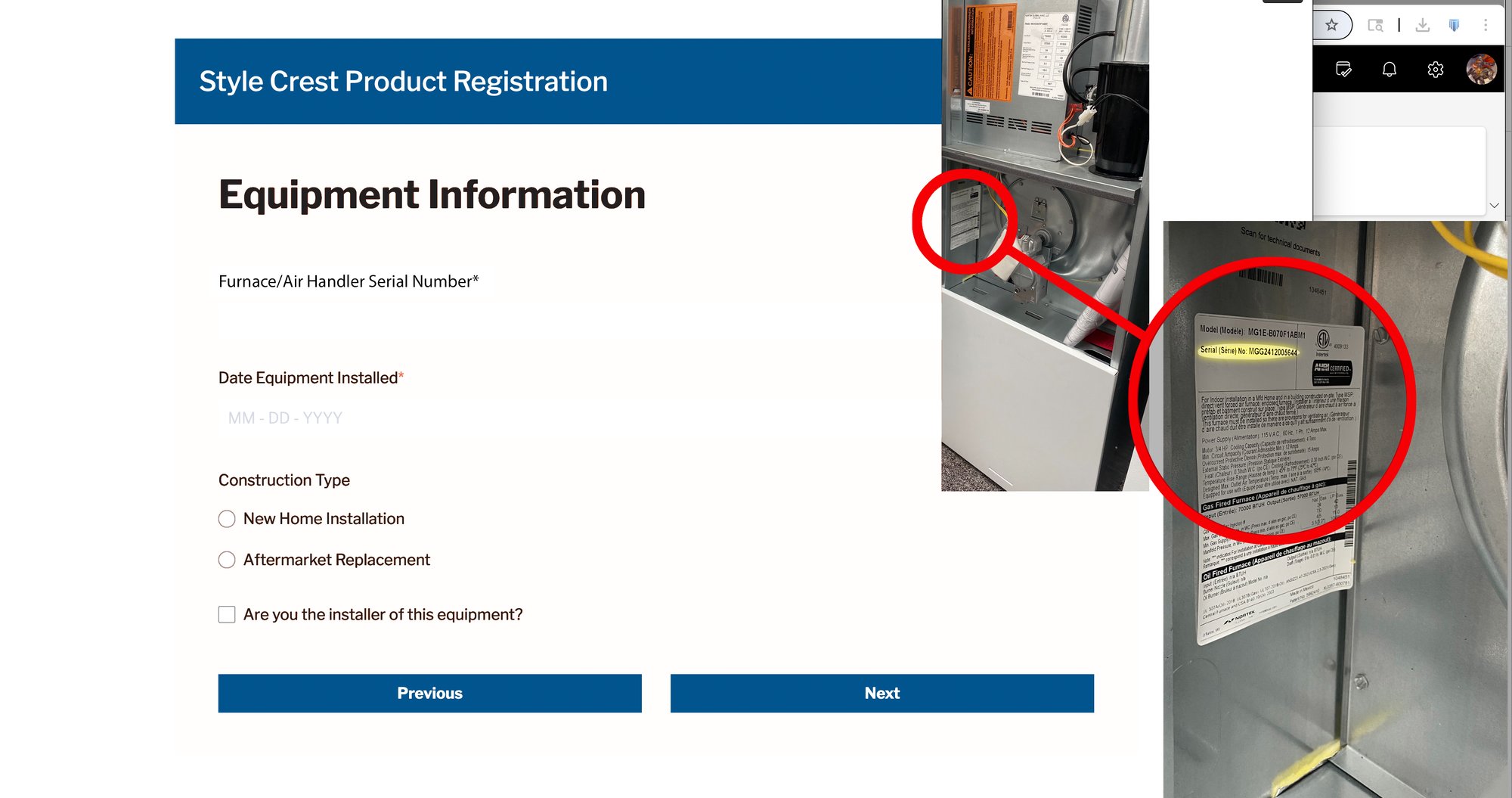
In order to properly register your furnace, you will need to find the Serial Number to add to the registration form. 


A white rectangular object with a vent
AI-generated content may be incorrect.

Steps to find the serial number: 

- Locate the product identification plate on your furnace and take note of it

Furnace-Illustration-SN

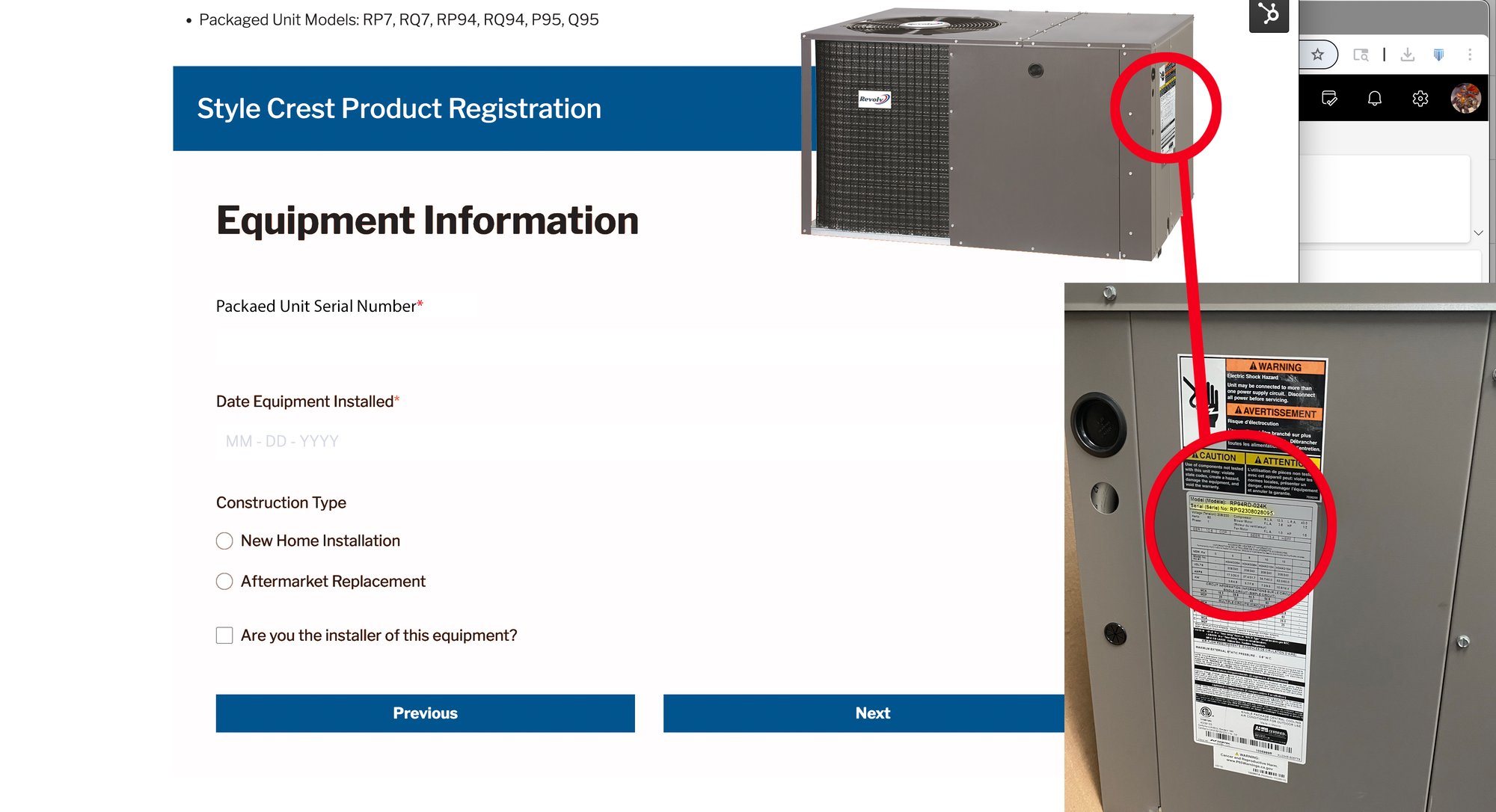
Registering Packaged Units 

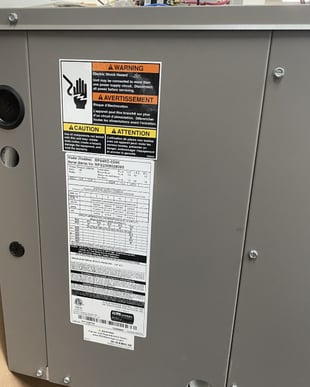
Look for a product identification plate on your packaged unit. Once located, please make a notation of the serial number found on the identification plate. You will need the serial number to make your form entries.


Packaged-Unit-SN-Illustrations

Registering an AC Unit

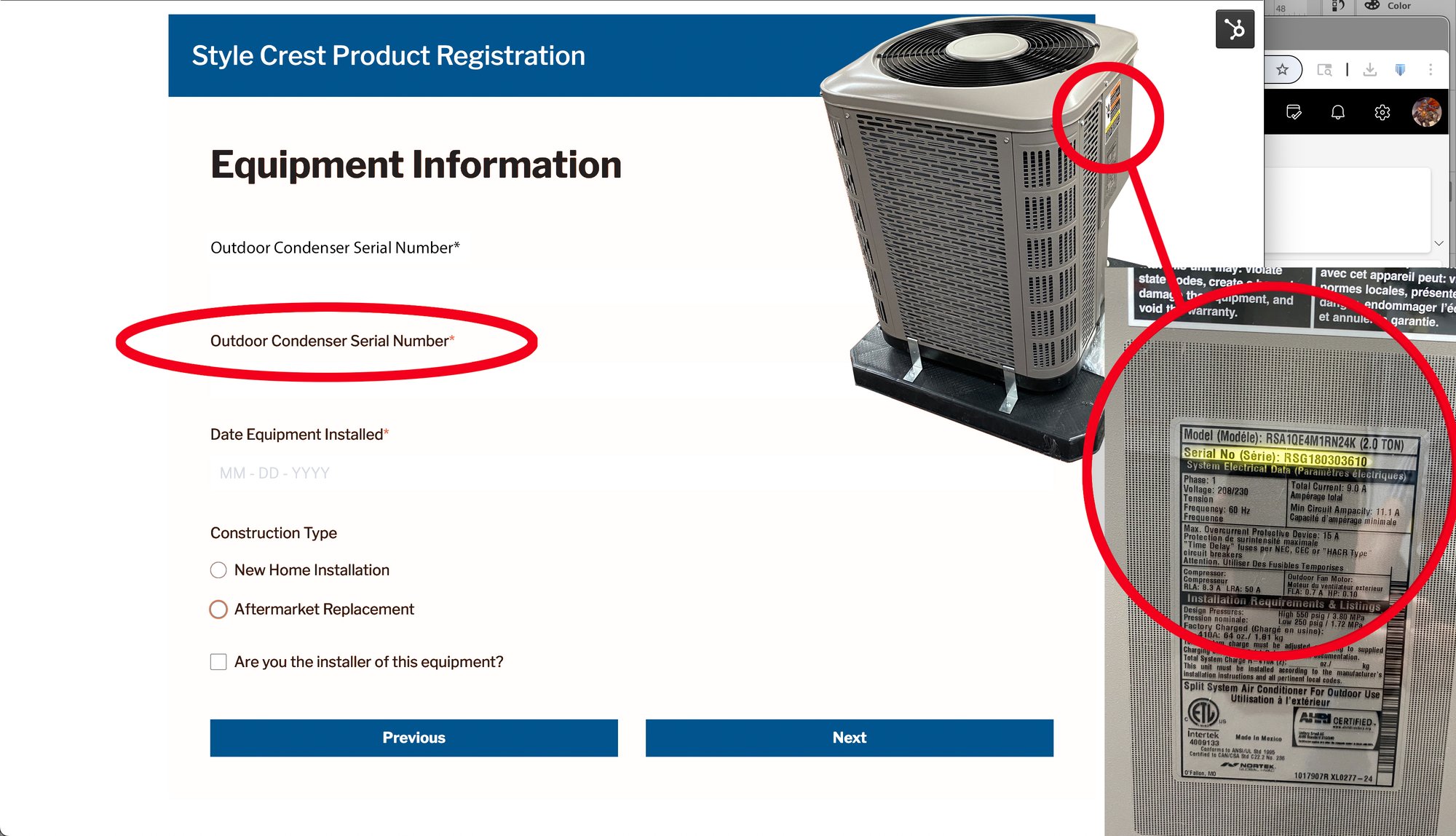
Outdoor Condenser

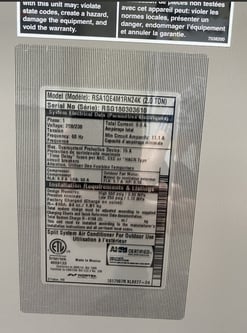
Look for a product identification plate on your outdoor condenser. Once located, please make a notation of the serial number found on the identification plate. You will need the serial number of both the condenser and coil to make your form entries. 

 

Condenser-Illustration-SN

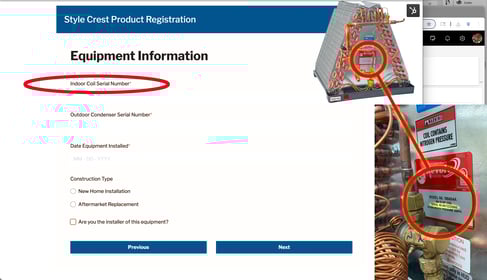
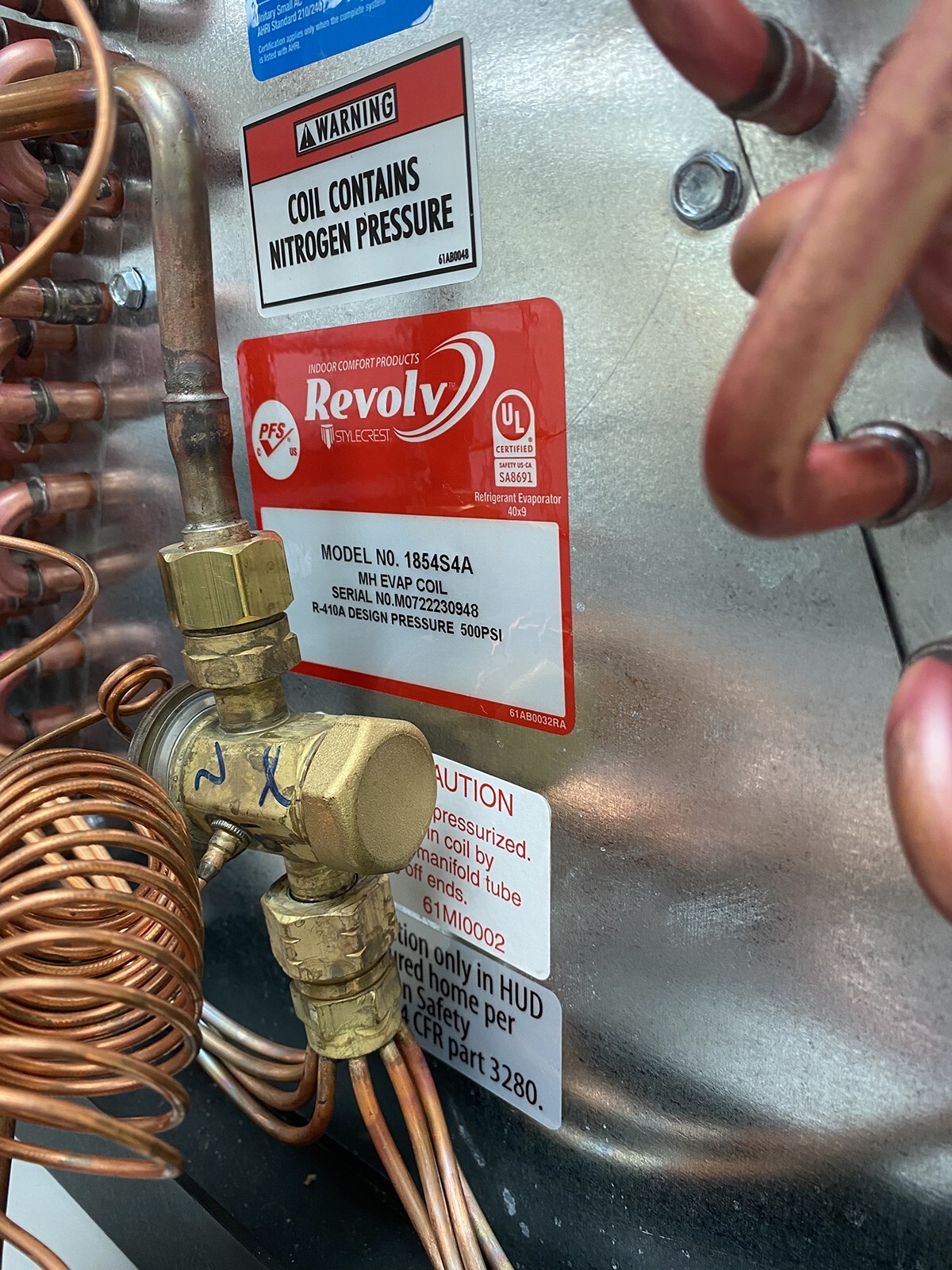
Indoor Coil 

Look for a product identification plate on your indoor coil. Once located, please make a notation of the serial number found on the identification plate.


Coil-Illustration-SN

thumbnail_IMG_0534-02

For questions or support when registering your HVAC Products through Style Crest, please contact extendedpartsregistration@stylecrest.net